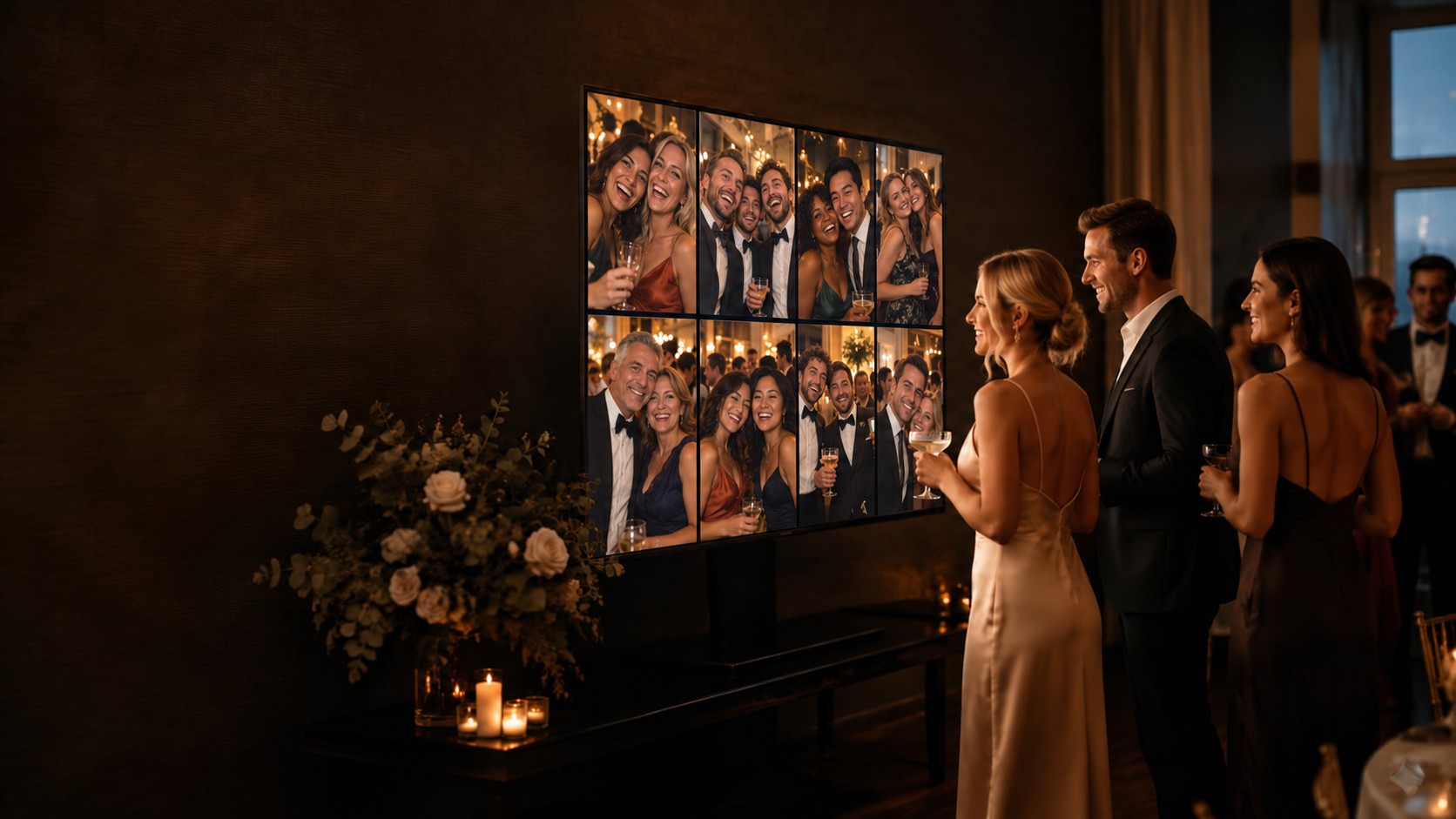
Designed for arrivals
Give guests a clear self-service lookup at the entrance or another convenient venue location.

Guest Experience
Open the Live Slideshow on a large touchscreen, tablet, laptop or desktop computer so arriving guests can search their name and find their table or seat.
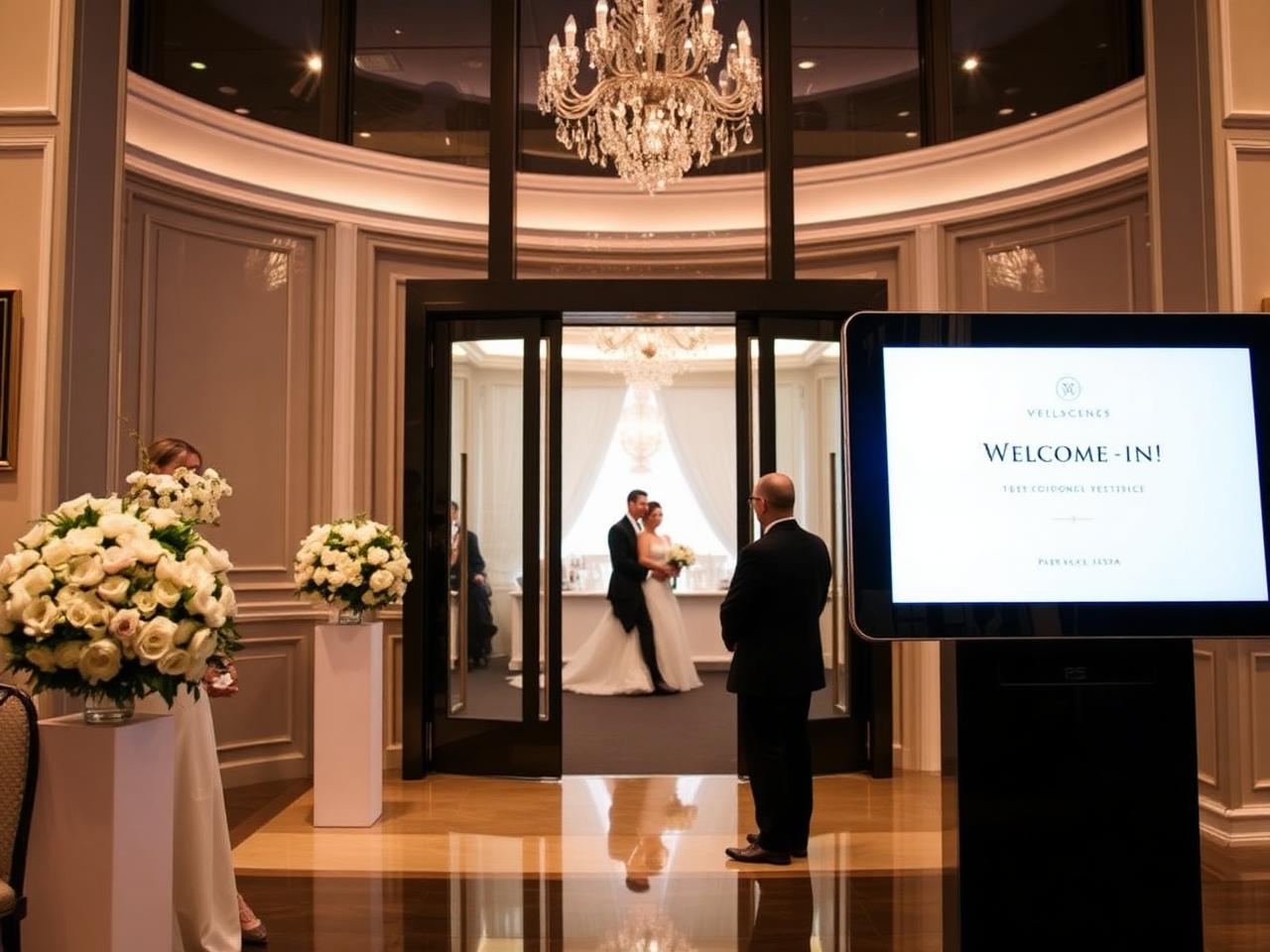
What you can do
Use the Live Slideshow URL and QR setup, copy or open the link, enter fullscreen mode and configure the guest information and supported modules shown at the venue.
Why it helps
Give guests a clear self-service lookup at the entrance or another convenient venue location.
Run the Live Slideshow on a touchscreen, tablet, laptop or desktop computer.
The same organised lookup can support engagements, corporate events, workshops and seminars.
How it connects
Live Slideshow uses the event’s Guest List and Tables, and complements QR Seating for guests using their own phones.
Related products
Create a unique event QR code that guests can scan from a sign, screen or stationery, then search their name and view their assigned table or seat.
Organise individuals, couples and families, then carry accurate guest information into invitations, tables, catering references and seating outputs.
Create, name and size your tables, then assign guests and seat numbers for a seating plan that stays connected to every output.
Useful for
Bring the guest list, seating, stationery, venue references, run sheet and guest experiences together around one reliable event record.
View event guideCoordinate registrations, seating, service details and event-day responsibilities for dinners, awards, launches, conferences and team events.
View event guideTry Wedding Waitress free for seven days with up to 20 guests. No credit card required.